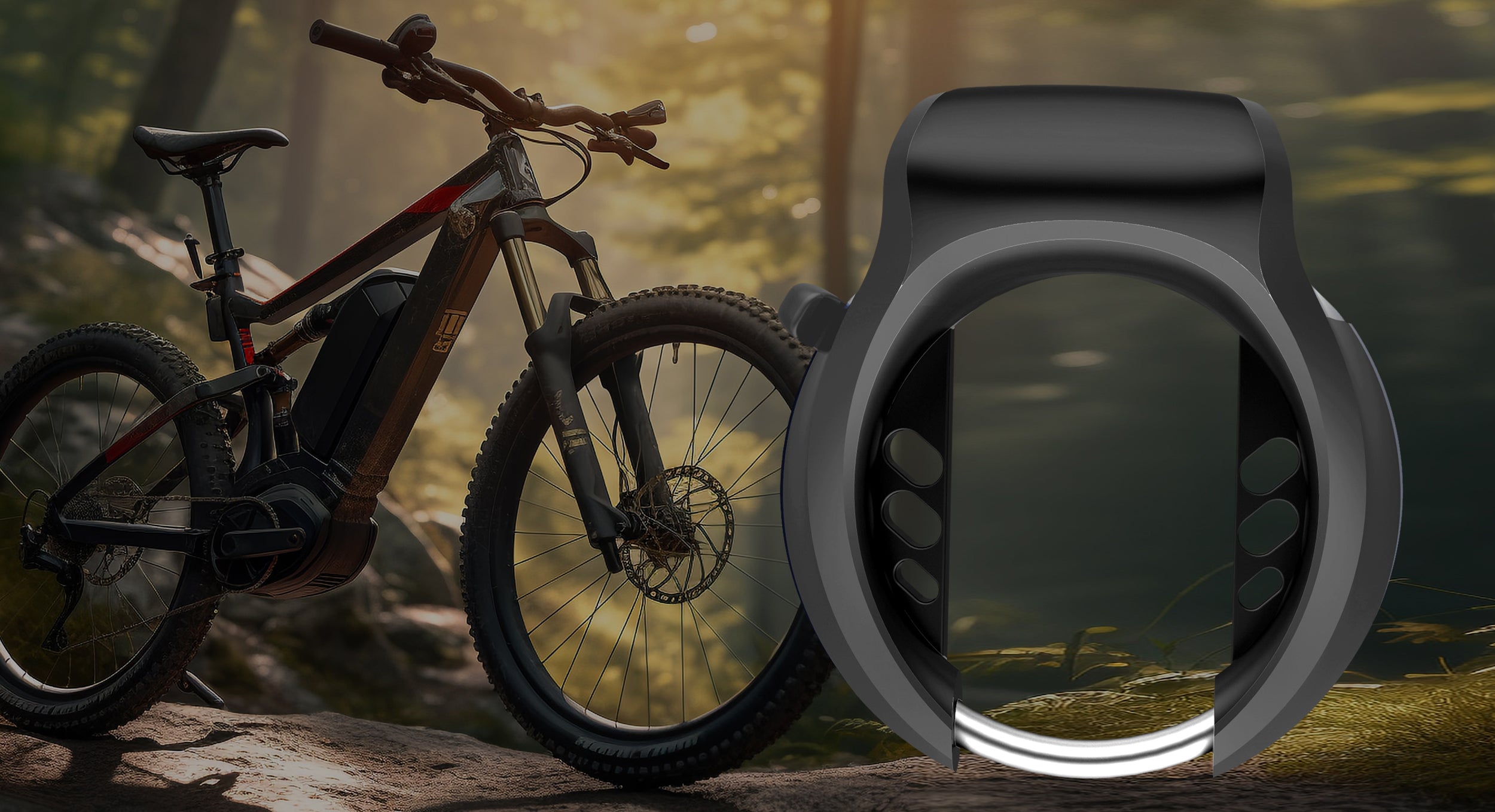
How to Disable and Enable Identification Mode - Biceek Findhoo 200
How to Disable and Enable Identification Mode - Biceek Findhoo 200
How to Disable Device (Power Off) 1 Locate the button on the device. 2 Press and hold it for 5 seconds. Release the button. 3 You'll hear one short beep.
How to Enable Identification Mode 1 Locate the button on the device. 2 Quickly short press it 2 times. 3 You'll hear a confirmation sound.
Abonniere unsere E-Mails
Erfahre als Erstes von neuen Kollektionen und exklusiven Angeboten.
Wenn du dich für eine Auswahl entscheidest, wird die Seite komplett aktualisiert.